01What is Seedance 3.0?
Seedance 3.0 is a creative workspace for making AI videos from prompts and references. Use it to explore product films, character scenes, and cinematic stories, with a workflow that connects your brief, input materials, generation settings, and review of the finished clip.
02Which video workflow can I use?
The video workspace includes Seedance 2.5 with text-to-video, first-frame, first-and-last-frame, and multimodal reference modes. Choose the mode that fits your starting materials, then set the available video options and describe the scene you want to create.
03Can I make a video from a single image?
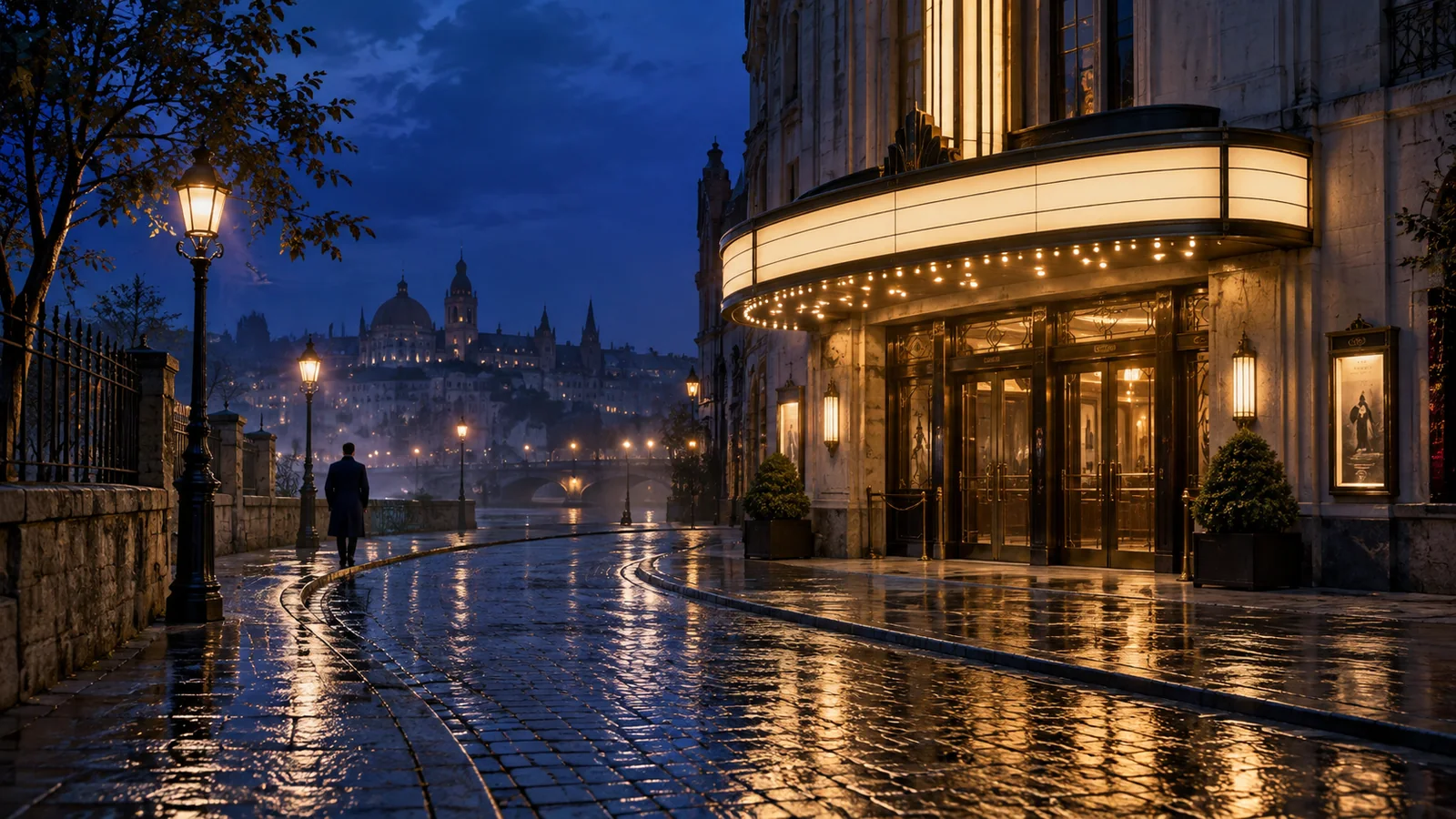
Yes. Choose first-frame mode, add your image, and describe what happens next. On Seedance 3.0, a useful brief explains the subject’s motion, the camera path, and any changes in light or setting while identifying the details you want to keep recognizable.
04How do first and last frames guide a video?
The first image establishes the opening composition and the last image guides the ending. Describe the action connecting them, such as a bottle rotating into its final position or a camera moving from a wide view to a close-up. Choose frames that belong to the same visual idea.
05Can I combine image, video, and audio references?
Yes. The reference workflow on Seedance 3.0 accepts images, video, and audio. Give each material a clear role: the product appearance, the character, the camera movement, the setting, or the sound. Explain how those elements should work together in the new scene.
06How should I prompt a multi-shot story?
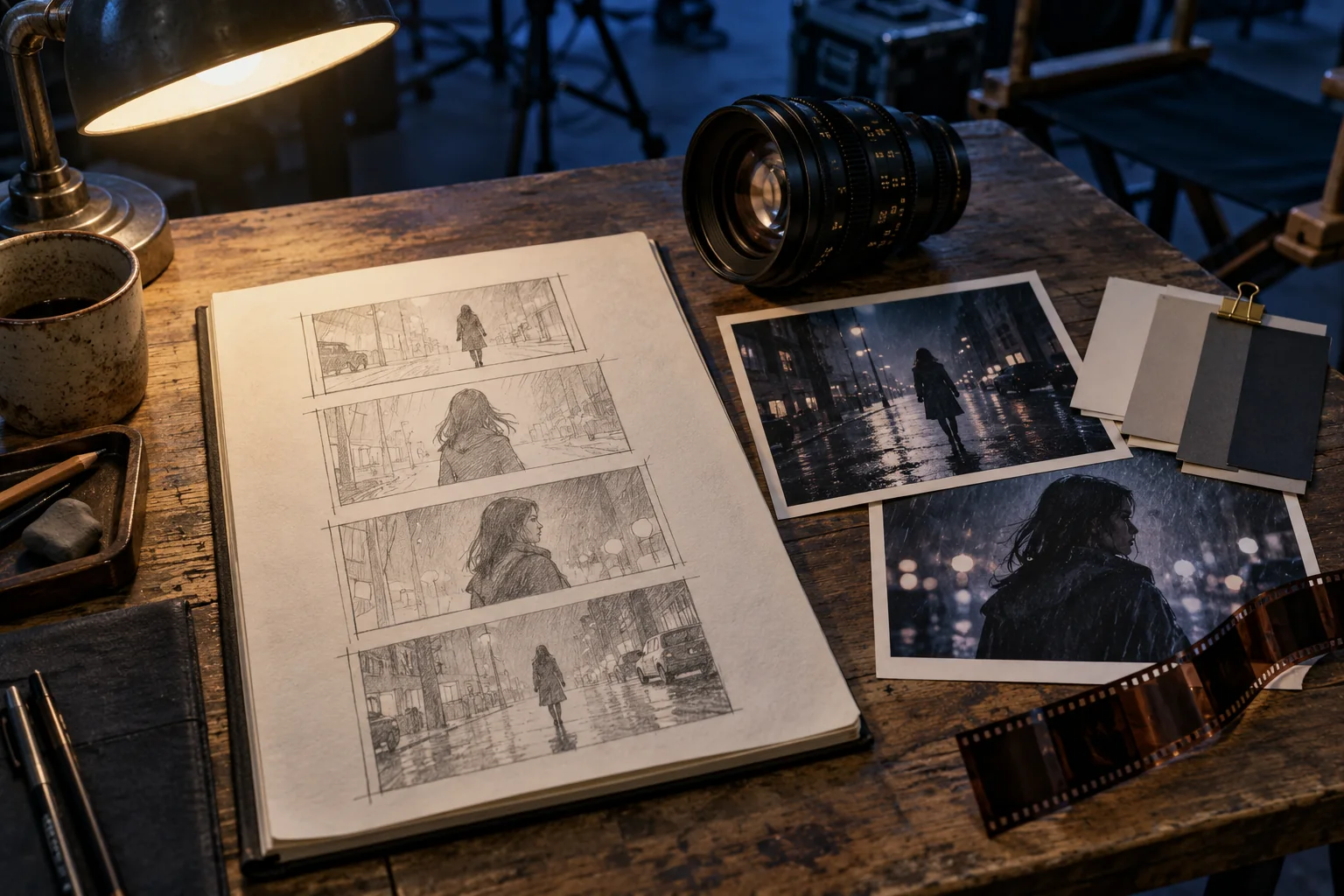
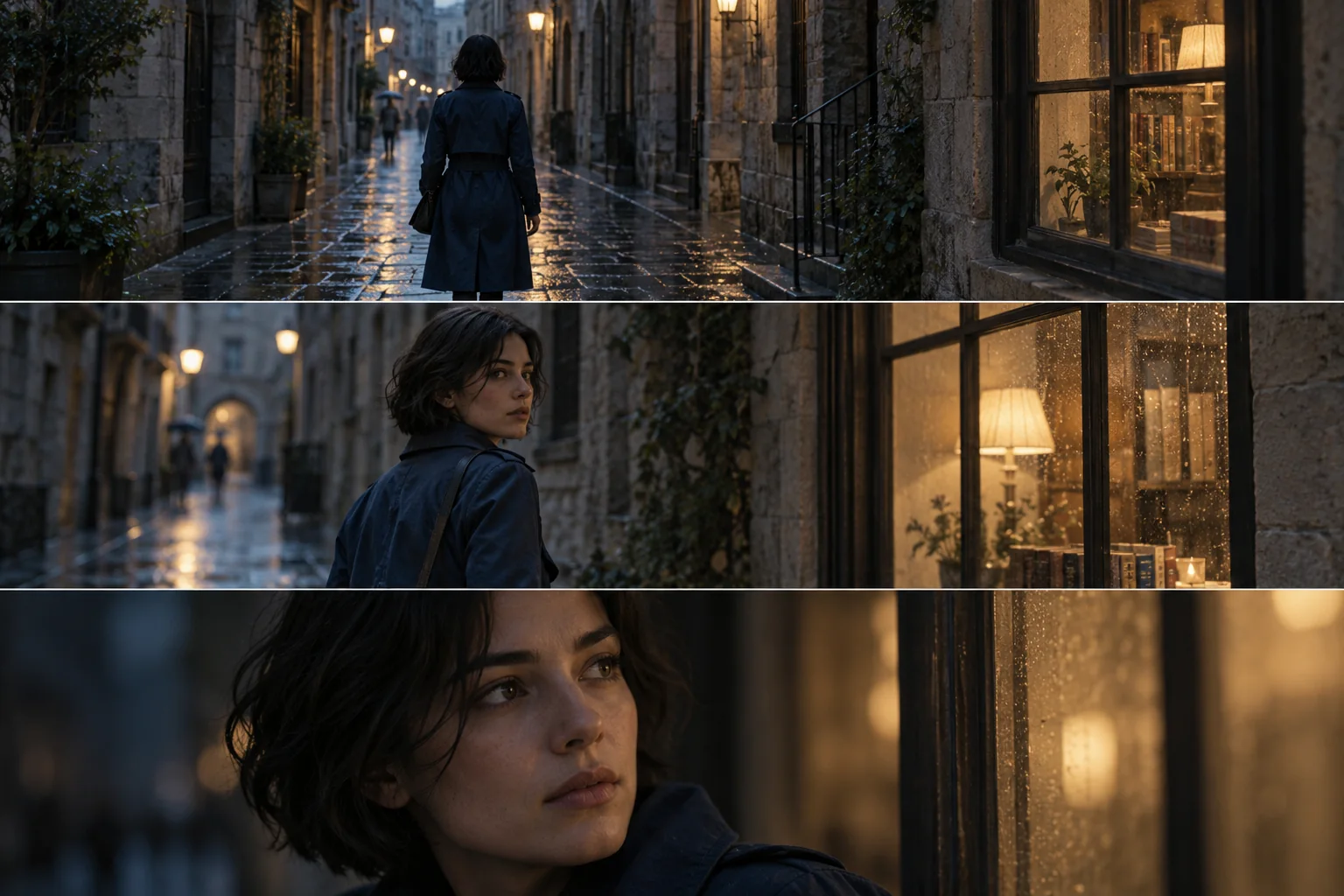
Write the shots in sequence and explain why each one follows the previous shot. Start with an establishing view, move to the main action, and finish with a reaction or reveal. Repeat the defining subject details and keep the setting, lighting, and mood consistent across the sequence.
07Can I create videos with sound?
Yes. Enable audio and describe the dialogue, music, or sound effects you want. In Seedance 3.0, connect sounds to visible actions and specify the spoken words and language when needed. You can also choose silent video when you plan to add your own soundtrack.
08How can I guide camera movement?
Describe the camera position, shot size, direction, and pace. For example: begin at street level, track beside the character, then slowly push toward her face as she stops. On Seedance 3.0, clear camera directions help turn a visual description into a purposeful scene.
09How do I keep a product or character recognizable?
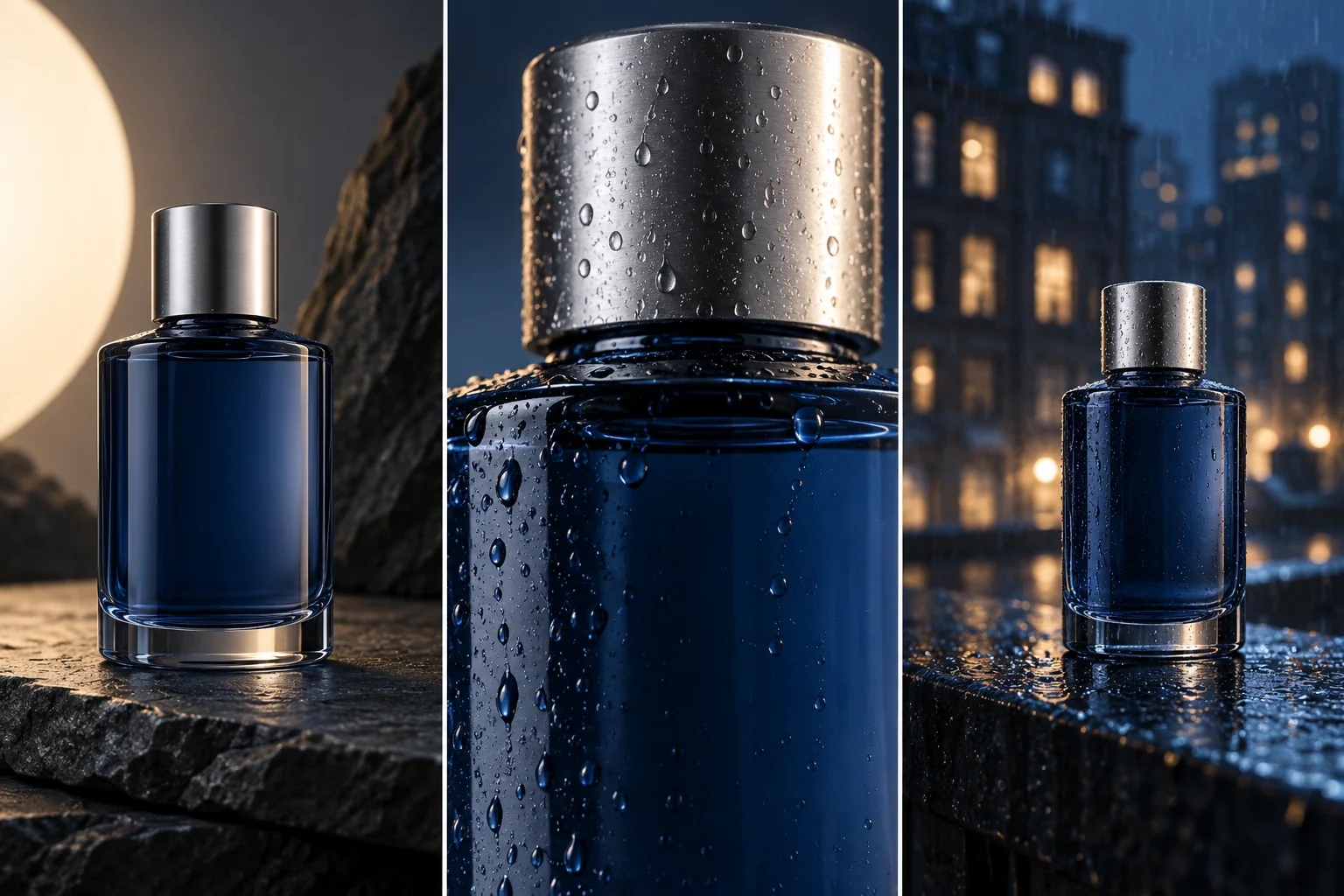
Reuse a clear reference and name the defining features: silhouette, materials, cap, hairstyle, clothing, or a distinctive accessory. Maintain the same creative direction across scenes. Review each result for continuity, and refine the next prompt around any detail that needs closer attention.
010How do I start creating on Seedance 3.0?
Prepare a prompt in the generator, choose a mode, and add references when useful. Sign in to generate and save your work. Review your settings and the credit charge before submitting, then compare your clips and download the result you want to use.