
Compose for the next shot
Place the subject with its next use in mind. A product reveal needs a clear silhouette; a character frame may need space for a later gesture. Describe the viewpoint and surrounding space in the prompt.
Plan the image before the motion. Seedance 3.0's AI image generator helps you explore product key visuals, storyboard frames, and scene references from text or supported reference images. Give your next video a clear visual starting point.
Before the camera moves
A useful still answers practical questions: where the subject sits, how the light shapes it, and what the viewer should notice. Make those decisions visible before planning the action.
Place the subject with its next use in mind. A product reveal needs a clear silhouette; a character frame may need space for a later gesture. Describe the viewpoint and surrounding space in the prompt.
Write down the product's shape and colors, or the character's clothing and distinguishing features. Repeat those details in separate storyboard prompts, then compare the images for unwanted changes.
Choose where the light comes from and how it meets the subject. Window light, a narrow studio reflection, or wet street highlights can establish a mood that guides the later video brief.
In image-to-image mode, explain whether a reference guides the subject, setting, or palette. Use the number and type of images accepted by the selected model, and make conflicting details explicit.
Visual preparation
Use the AI image generator to develop the look of a product campaign, a city story, or a planned scene. These stills offer visual direction for your own briefs.
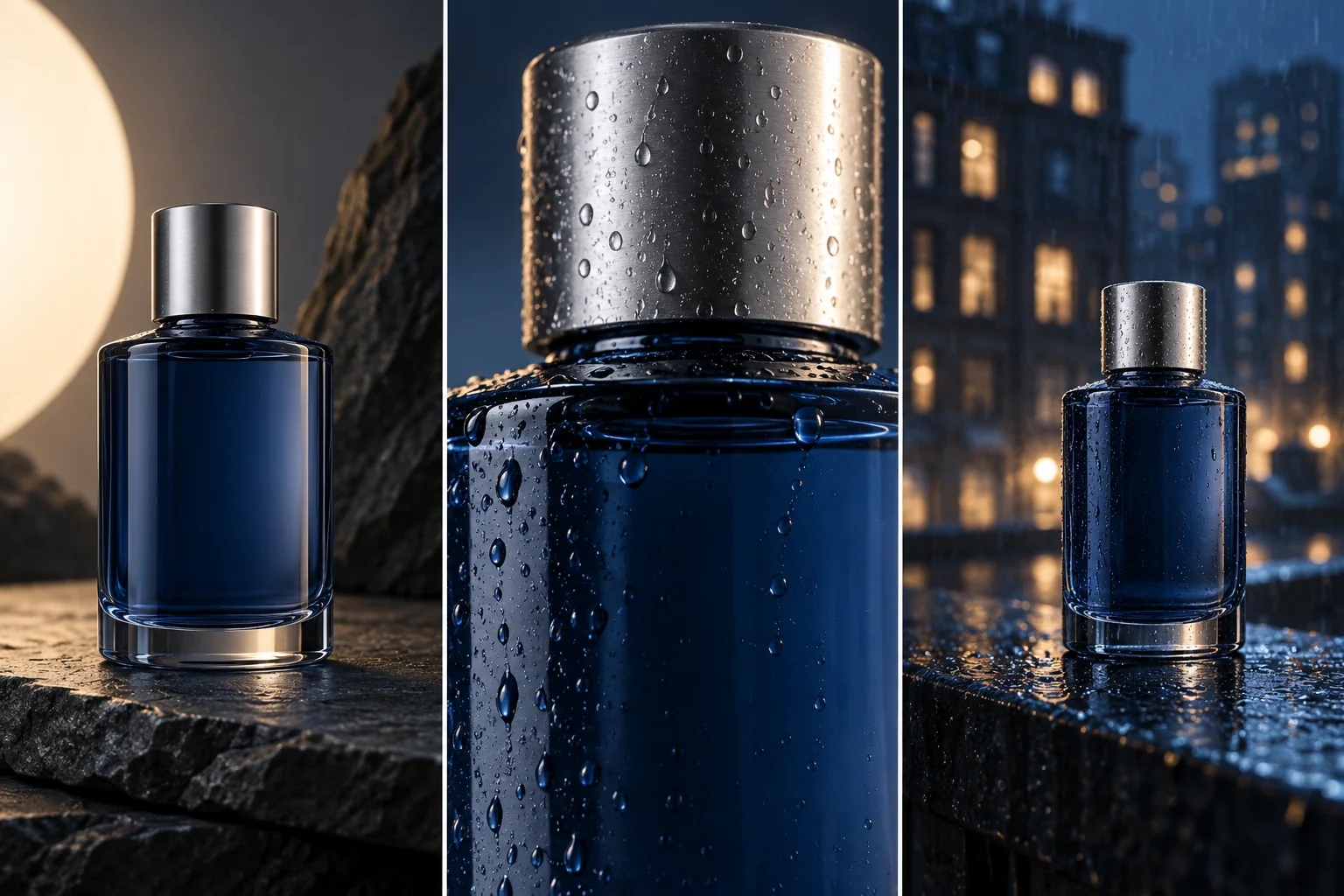
Explore a silver-blue bottle as an opening image, a material detail, and a closing composition with room for campaign copy. Generate each frame with its own brief and compare the bottle shape, cap, and reflections.
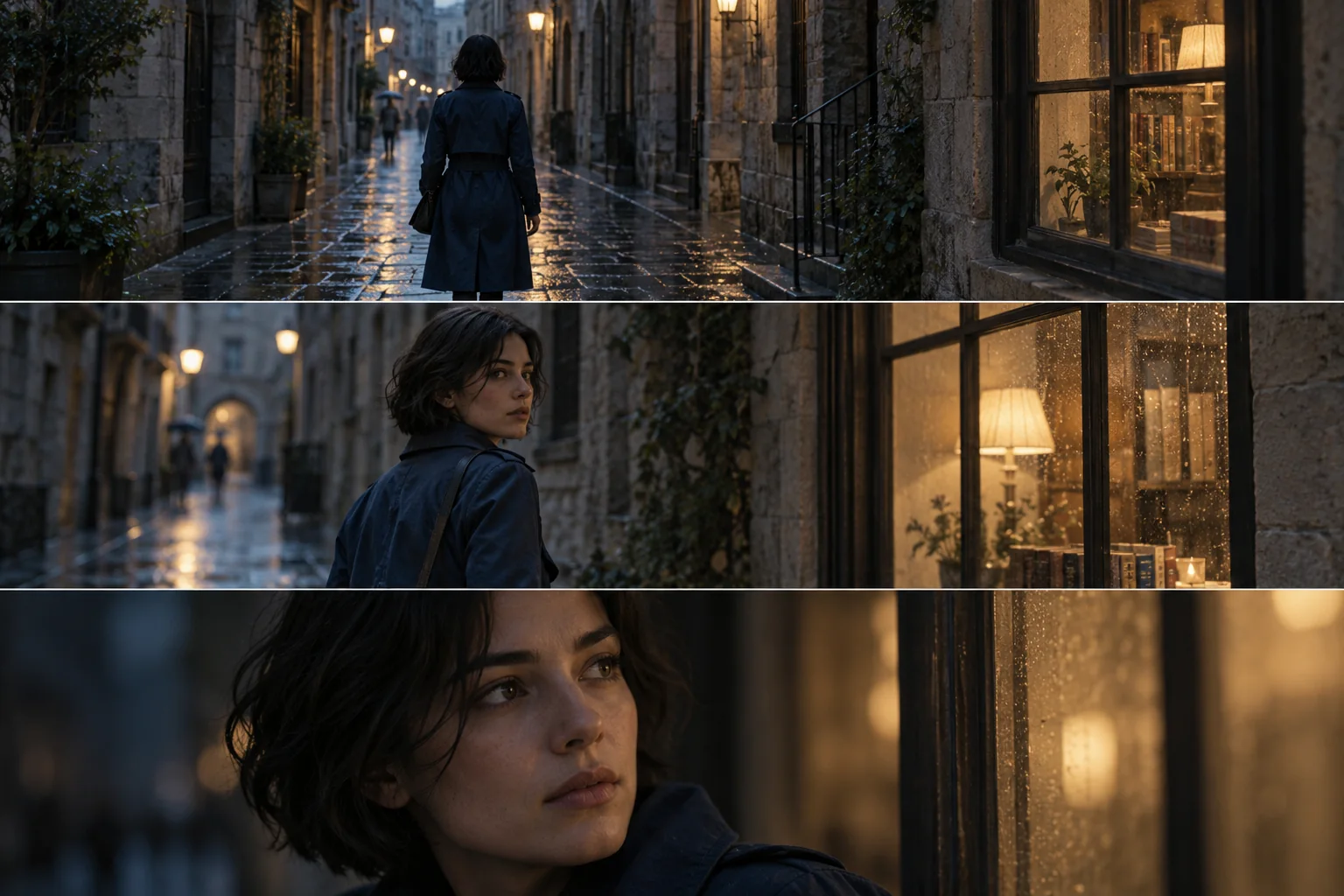
Sketch a woman in a dark blue trench coat arriving, pausing, and moving on through the city. Prepare the frames separately, then check her clothing and appearance before using them to plan the sequence.
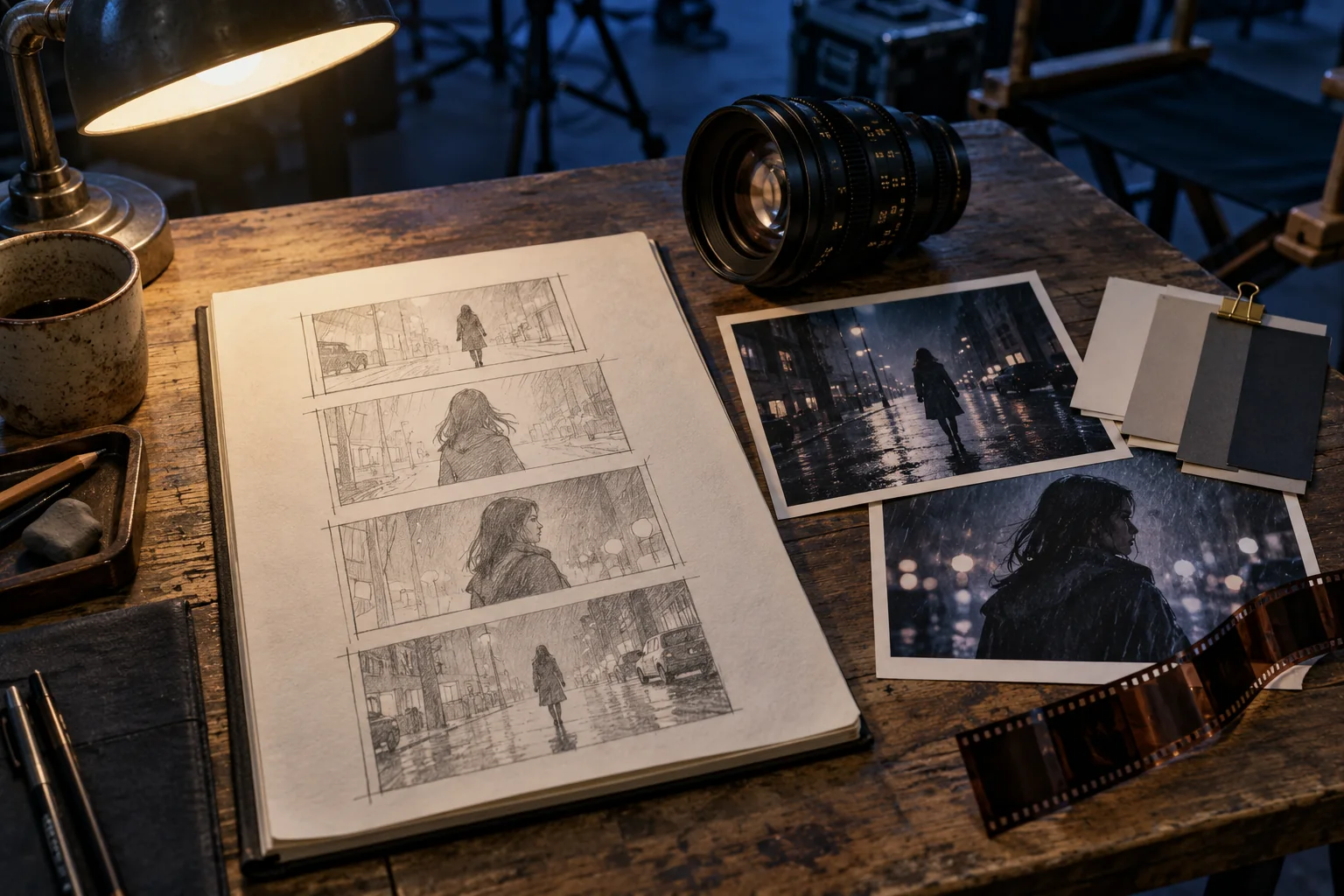
Start with a location, a light source, and a viewpoint. Create a still to place beside your storyboard and lens notes, so you can judge the setting and composition before adding camera movement.
Prepare a visual starting point
Bring one clear image brief to the AI image generator, then review it against the shot you intend to make.
01
Decide whether you need a product key visual, a storyboard frame, or a location reference. Name the subject and the detail the viewer should notice first.
02
Write the composition, lighting, materials, and pose. For reference-based work, explain which features to carry over and which part of the image to change.
03
Choose text-to-image or image-to-image, then review the selected model's available aspect ratios and resolutions. Check the displayed credit cost and sign in to generate.
04
Inspect the subject, edges, framing, and any text. Save a suitable image; if you want to animate it, upload it in a video mode that accepts a starting image.
Questions before production
Prepare references and output choices around your actual shot, rather than treating every image as a finished campaign asset.
The AI image generator produces still images. You can prepare storyboard frames one at a time, then save a chosen frame and upload it in a supported image-to-video mode. Each video needs its own action and camera brief.
Use image-to-image mode with a source image accepted by the model. Name the object or area you want to change and describe the rest of the composition to preserve. Compare the new result with the source before using it.
Keep the main subject clearly visible and leave room for the intended movement. A tight crop may suit a texture detail but leave little space for a turn or tracking shot. Match the composition to the next action.
Compare the silhouette, cap, packaging colors, and visible labels with the actual item. Review small details at the intended display size. Add exact prices or campaign wording in your layout workflow after checking the image.
Choose from the aspect ratios and resolutions offered by the selected model. A vertical story frame and a square product card call for different compositions. Check the credit estimate after changing settings, and inspect the result at its intended size.
Image tools on Seedance 3.0
Bring a product, a character, or a scene brief to the AI image generator on Seedance 3.0. Give the next shot a visual direction you can review.